
Short Read · 2 min read
Gaming PC vs workstation: what’s the difference?
Gaming PCs and workstations use similar parts but are built for different jobs. Here is how to tell which one you need, in plain language.
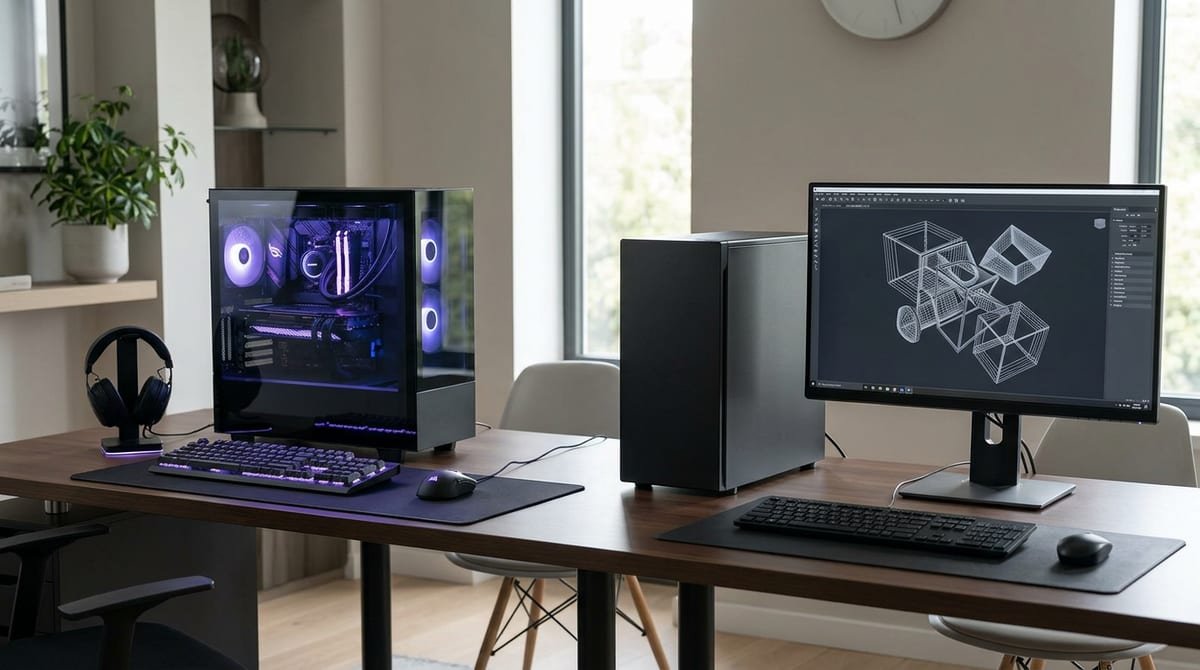
From the outside, a gaming PC and a workstation can look almost the same. Inside, they are tuned for different jobs. Knowing which one you need stops you paying for power you will never use.
What a gaming PC is built for
Games need to draw many frames per second, smoothly and with low delay. That puts most of the load on the graphics card (GPU). A gaming PC usually has:
- a strong graphics card for the resolution you play at (1080p, 1440p or 4K)
- a fast processor with good single-core speed
- 16–32 GB of memory
- a fast NVMe SSD so games load quickly
- good airflow, because games keep parts busy for hours
What a workstation is built for
A workstation is for work that runs long, heavy tasks: video editing, 3D modelling and rendering, engineering, coding with large projects, data and AI. It usually has:
- a processor with more cores, for exporting, compiling and rendering
- more memory – often 32 GB, 64 GB or more for big projects
- more and faster storage for large files
- a graphics card chosen for the software you use
- a focus on stability and quiet running during long jobs
Some professional software is certified for specific workstation graphics cards. For many creators, a regular gaming card works well and costs less. It depends on your apps.
Many people need both
If you game in the evening and edit videos for work, you need a balanced build: a strong graphics card and a processor with enough cores, plus 32 GB of memory. This is very common, and it is where a tailored configuration helps most.
Quick check: which one are you?
- You mostly play games → gaming PC
- You mostly edit, render, design or code → workstation
- You do both seriously → balanced build
- You do office work, study or trading → a compact everyday PC is enough
Questions to ask before you buy
- Which apps or games do I use the most?
- What screen resolution and refresh rate do I use?
- Do my apps use the processor, the graphics card, or both?
- How long do I want the PC to last before upgrading?
For a deeper look at the two main parts, read CPU or GPU: which one matters more for you?
Not sure which side you are on? Tell us what you do and we will recommend the right kind of PC for your work and budget.
Written by the NerdBox.ae team, who recommend PC configurations for customers across the UAE and support them after delivery. How we write our guides