
Short Read · 2 min read
How to keep your PC cool in the UAE heat
Heat and dust are a PC’s biggest enemies in the UAE. Simple steps to keep your computer cool, quiet and reliable, even in summer.
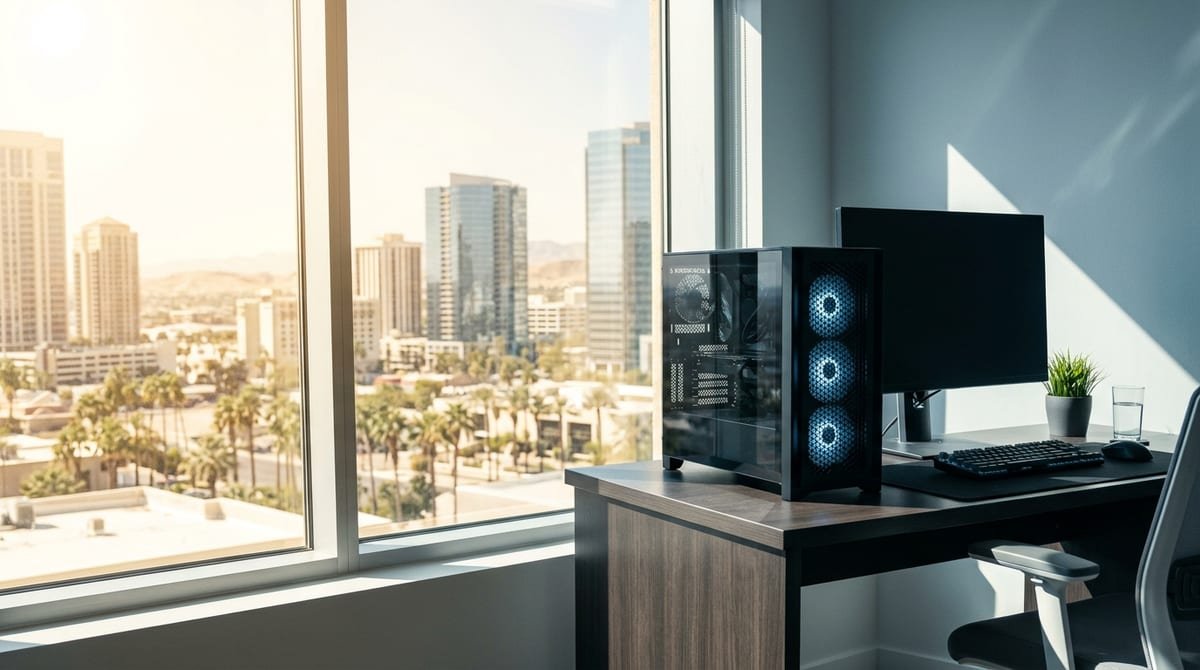
UAE summers are hard on computers. A warm room and fine dust make fans work harder and parts run hotter. The good news: a few simple habits keep your PC cool, quiet and fast.
Why heat matters
Every PC part has a safe temperature range. When parts get too hot, they protect themselves by slowing down, which is called thermal throttling. You notice it as lower frame rates, slower exports, louder fans, and in the worst case sudden shutdowns. Constant heat can also shorten the life of parts.
Where to put your PC
- Keep it out of direct sunlight. A PC next to a sunny window can heat up even with the AC on.
- Leave at least 10 cm of space behind and around the case, so hot air can escape.
- Don’t put it inside a closed cabinet or on a carpet. Both block airflow.
- A slightly raised spot off the floor collects less dust.
Fight the dust
Fine dust and sand build up on filters, fans and heatsinks and act like a blanket.
- Clean the dust filters every 1–2 months. Most simply slide or clip out.
- Every 3–6 months, power off, unplug and blow out the inside with compressed air. Hold the fans still while you do it.
- A case with dust filters on every intake makes this much easier.
Airflow basics
A good case pulls cool air in at the front or bottom and pushes hot air out at the back or top. Having slightly more air coming in than going out, called positive pressure, also helps keep dust out, because air leaves through the gaps instead of being pulled in.
Choose parts that suit the climate
- A case with a mesh front breathes much better than one with a solid glass front.
- A good CPU cooler – a quality air cooler or an all-in-one liquid cooler – keeps the processor fast under long loads.
- A quality power supply runs cooler and lasts longer.
How to check temperatures
Free tools such as HWiNFO show your temperatures. Check them while gaming or rendering. If temperatures keep rising over time, it is usually dust, so start by cleaning the filters.
Rule of thumb: if your PC is getting louder than it used to, it is probably time to clean it.
Building a new PC for the UAE climate? Read our PC budget guide, or tell us your use and we will recommend a build with cooling that suits it.
Written by the NerdBox.ae team, who recommend PC configurations for customers across the UAE and support them after delivery. How we write our guides