
Short Read · 2 min read
PC budget guide: where your money should go
How to split a custom PC budget in the UAE: which parts deserve the most money for gaming or work, and where saving costs you later.
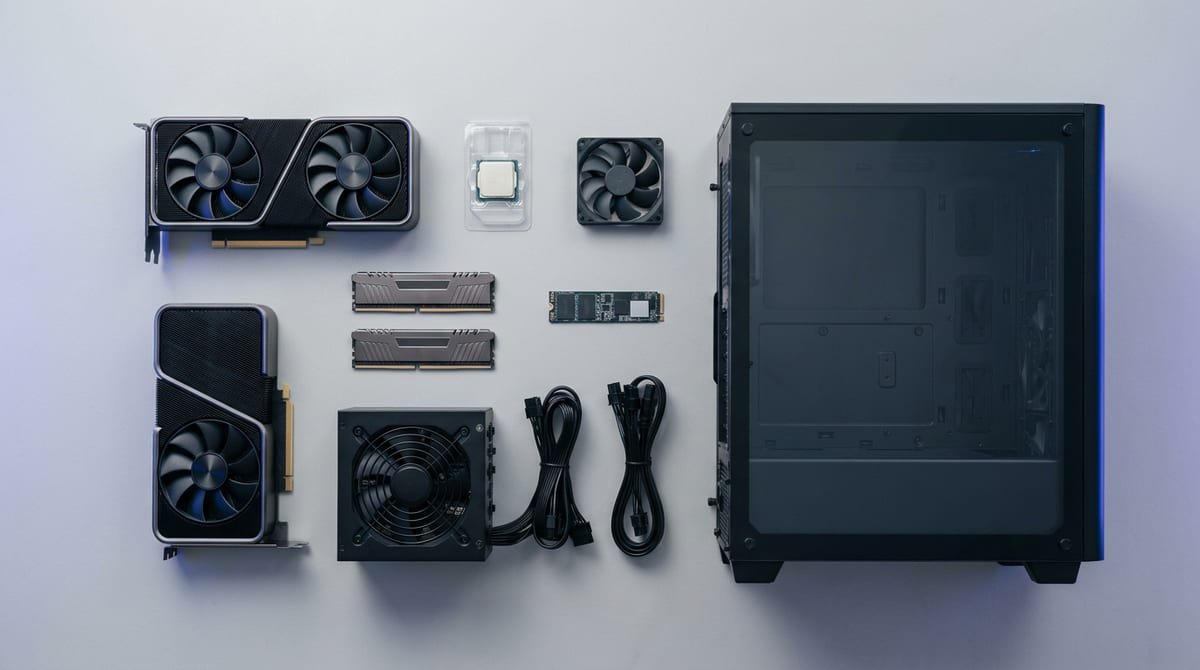
Most people start buying a PC with a number in mind. The hard part is deciding how to split that number between the parts. Spend too much on one part and another one holds the whole PC back.
Start with what the PC is for
The same budget should be spent very differently depending on the job:
- Gaming – the graphics card does most of the work, so it usually gets the biggest share.
- Video editing and 3D – the processor, memory and fast storage matter more.
- Office, study and trading – a modern processor, enough memory and a fast SSD are plenty. A big graphics card is wasted money.
If you are not sure, write down the three apps or games you use most and the screen you play or work on. That tells us more than any part list. You can read more in Gaming PC vs workstation.
A typical split for a gaming PC
As a rough guide for a balanced gaming build:
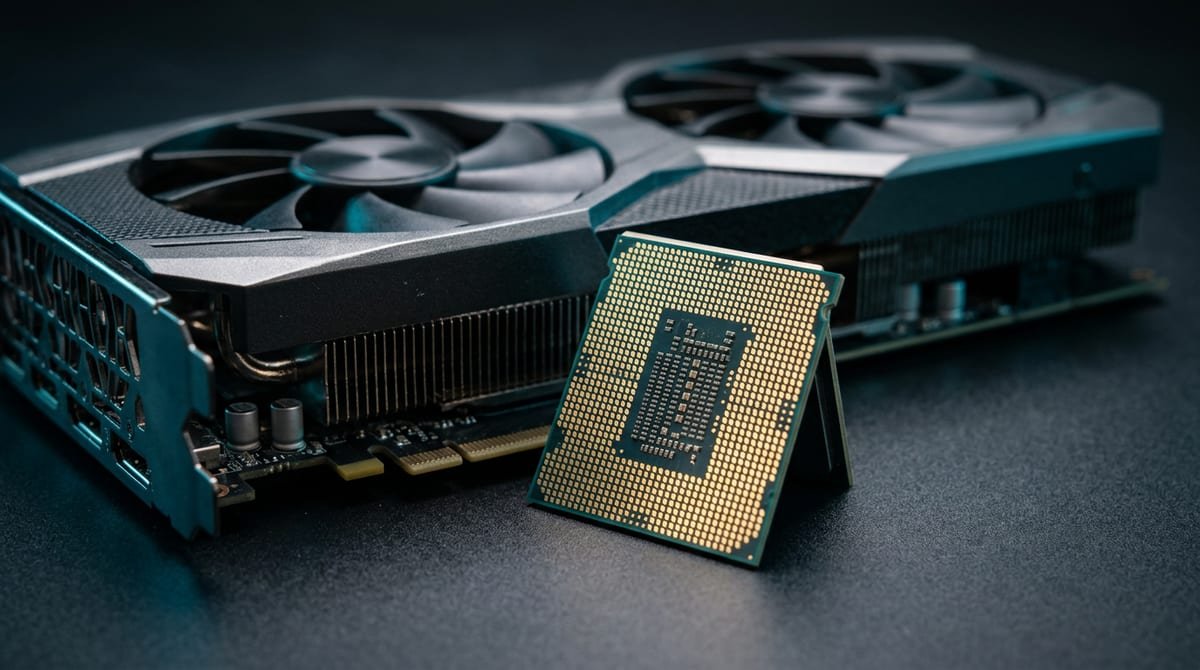
- Graphics card: about a third to a half of the budget
- Processor: about 15–20%
- Motherboard: about 10%
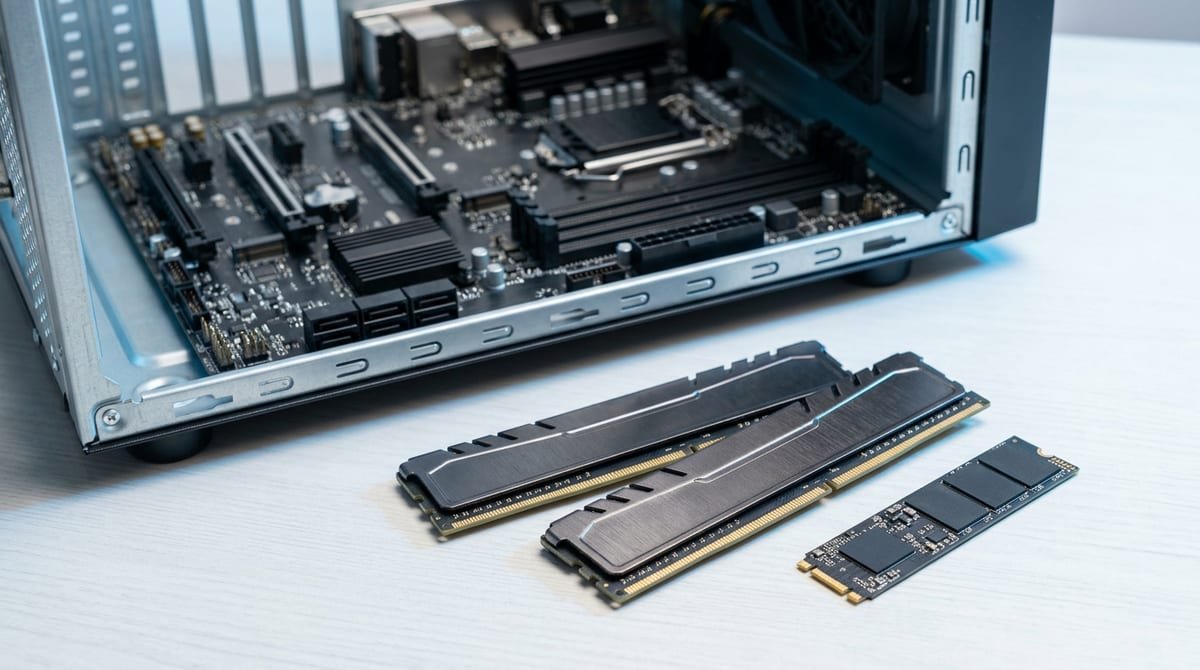
- Memory (RAM): about 5–8%
- SSD storage: about 5–8%
- Power supply: about 5–8%
- Case and cooling: about 8–12%
For a workstation, move money from the graphics card to the processor and memory. For 3D rendering with GPU renderers or AI work, the graphics card and its video memory become important again.
Parts that are worth not saving on
The power supply
A cheap power supply is the most common shortcut and the worst one. It feeds every other part. A good unit from a known maker, with an 80 PLUS rating and some spare capacity, keeps the PC stable and protects your other parts.
Cooling and airflow
In the UAE, rooms get warm and dust builds up quickly. A case with good airflow and a decent CPU cooler keeps the PC quiet and stops it slowing itself down under load. See How to keep your PC cool in the UAE heat.
The SSD
A fast NVMe SSD makes the whole PC feel quick: starting up, opening apps, loading games. It is one of the cheapest ways to make a PC feel premium.
Where you can save
- RGB lighting and show-off cases look great but do not add speed.
- Top-end motherboards rarely add performance for normal use. Pick one with the ports and upgrade room you need.
- Huge amounts of memory you will not use. 32 GB is plenty for most gaming and editing.
Leave room to upgrade
A good motherboard and power supply let you add a better graphics card or more storage later. That is often smarter than stretching the budget today.
Tip: include the operating system, monitor, keyboard and mouse in your total if you need them, so the PC itself is not squeezed at the end.
Not sure how to split your budget? Tell us your use and budget and we will recommend a balanced configuration.
Written by the NerdBox.ae team, who recommend PC configurations for customers across the UAE and support them after delivery. How we write our guides